TTSTAR product care
Care for your
everyday scent.
Register your diffuser.
Find the support you need.
Registration is optional. Your existing warranty and statutory rights remain unchanged.
Find your diffuser.
Choose the design you purchased.
We’ll carry your selection into the registration form.
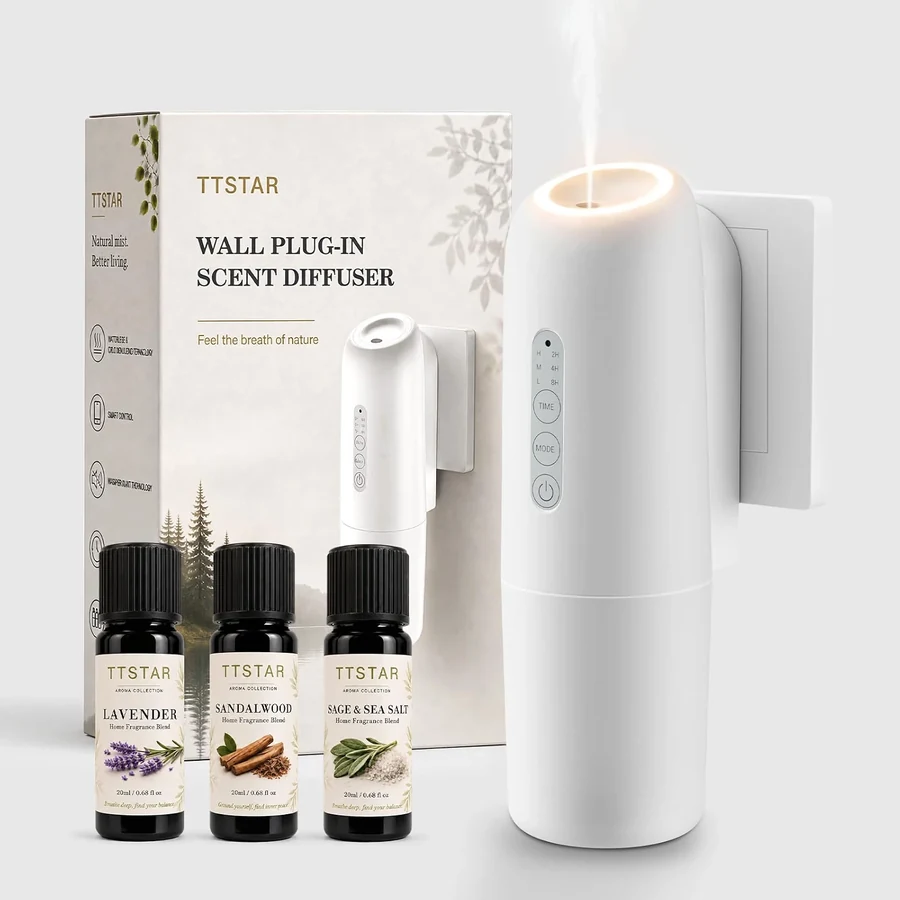
Wall plug-in diffuser
The white cylindrical design with controls along the front.
Select this diffuserNames describe the pictured designs, not model numbers. Check your order for the exact model and package contents. Not sure? Choose “Other / not sure” in the form.
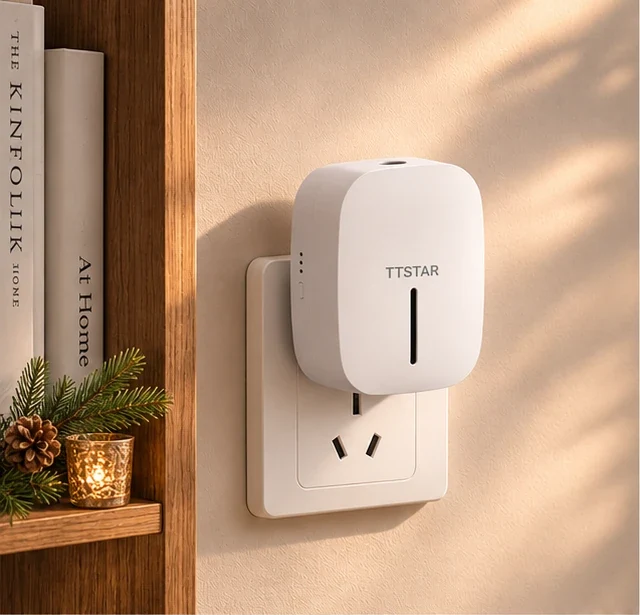
Your purchase.
Our attention.
Keep your purchase details together, find order help and know where to turn when something needs attention.
Warranty duration, coverage, exclusions and claim steps are not yet published here. The terms that apply to your purchase and your statutory rights remain relevant, whether or not you register.
Register your product
All fields required unless marked optionalChoose your diffuser above or use the list below.
Good questions.
Clear answers.
Need a little more help?
Find product support.
Do I have to register my product?
No. Registration is optional and is not a prerequisite for any existing warranty coverage or statutory rights. Keep your proof of purchase for any support request.
Does registration add a warranty?
No extra coverage or extension is offered by this preview. The applicable warranty terms, including duration and eligibility, still need to be published. Registration is not a warranty decision.
Do I need to leave an Amazon review?
No. You do not need to leave a review, provide a rating or share a social post to register or ask for support.
How do I use or clean my diffuser?
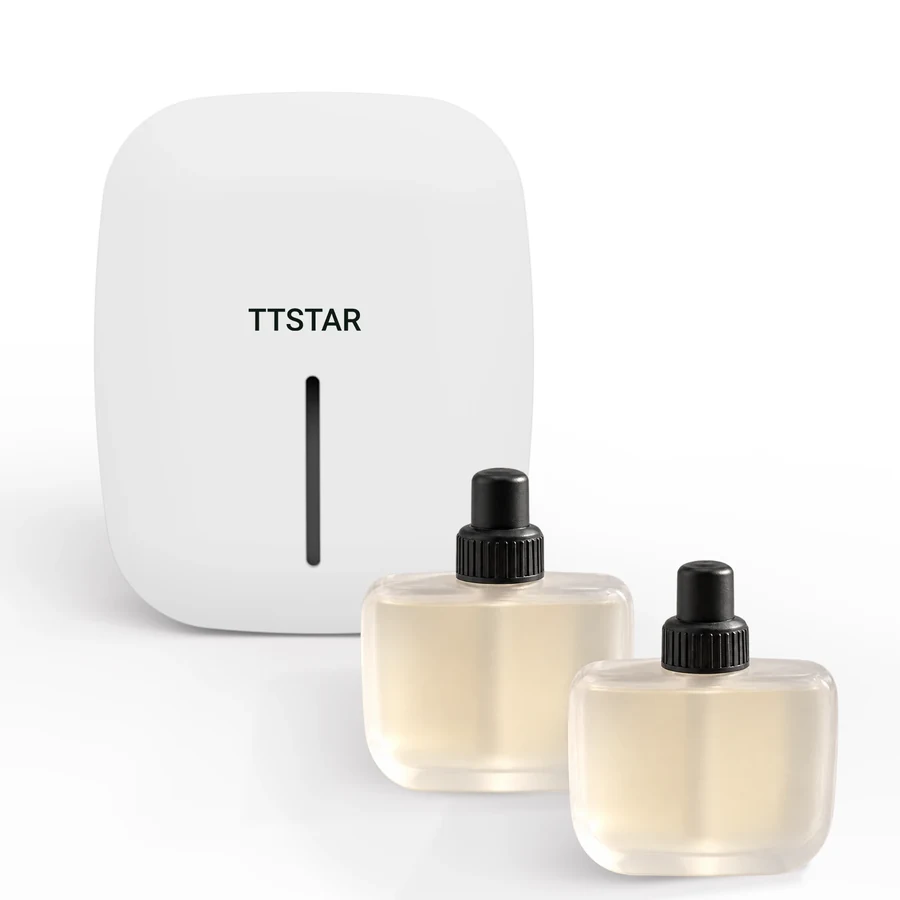
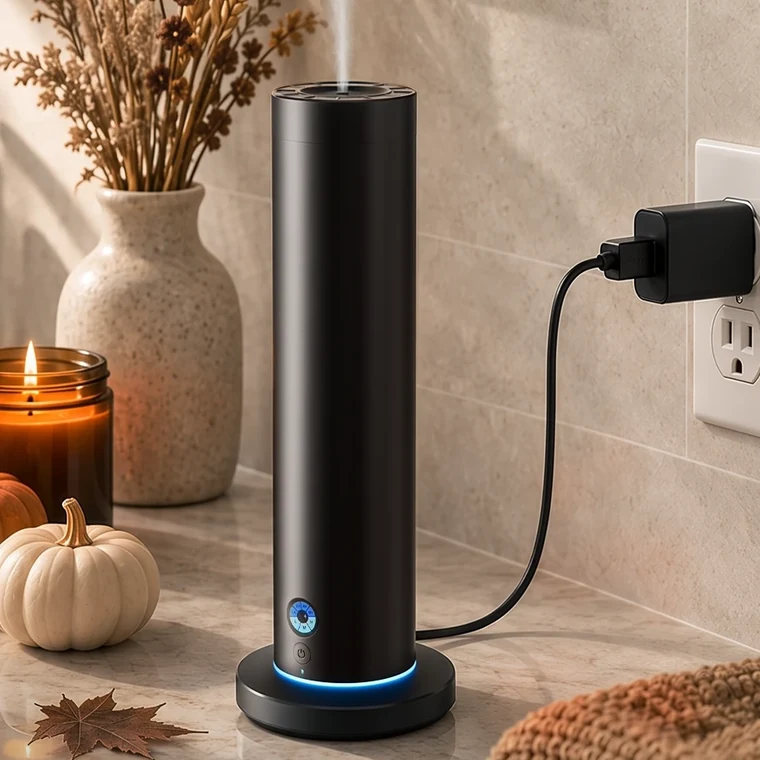
Follow the instructions supplied with your exact model. The compact plug-in, black tower and white wall plug-in are different designs; do not assume they use the same oils, refills, controls or cleaning method. This page identifies the designs, but does not replace their manuals. If you are unsure, contact the seller through your Amazon order before using the product.
My diffuser is not pictured. Can I still register?
Yes. Choose “Other / not sure” in the form. Keep the product label and your Amazon order details available so the seller can identify the exact model. You can also contact the seller without registering.
What if I cannot find my order number?
Check the Amazon account used for the purchase and its order confirmation. For a gift, ask the purchaser if possible. If the order details are unavailable, you can still look for the seller's contact option in Amazon. Please do not send payment card information.
Open the order number guideWhat happens to my details in this preview?
The form validates your entries locally. With the default preview settings, it does not send, save or register them. Reloading or closing the page clears the form state managed by this site. Your browser may offer its own autofill features.
Here to help.
For an item that needs attention, open your Amazon order and look for the option to contact the seller. Have your order details and a short description of the issue ready.
A direct TTSTAR support email has not been published on this preview.